
Information
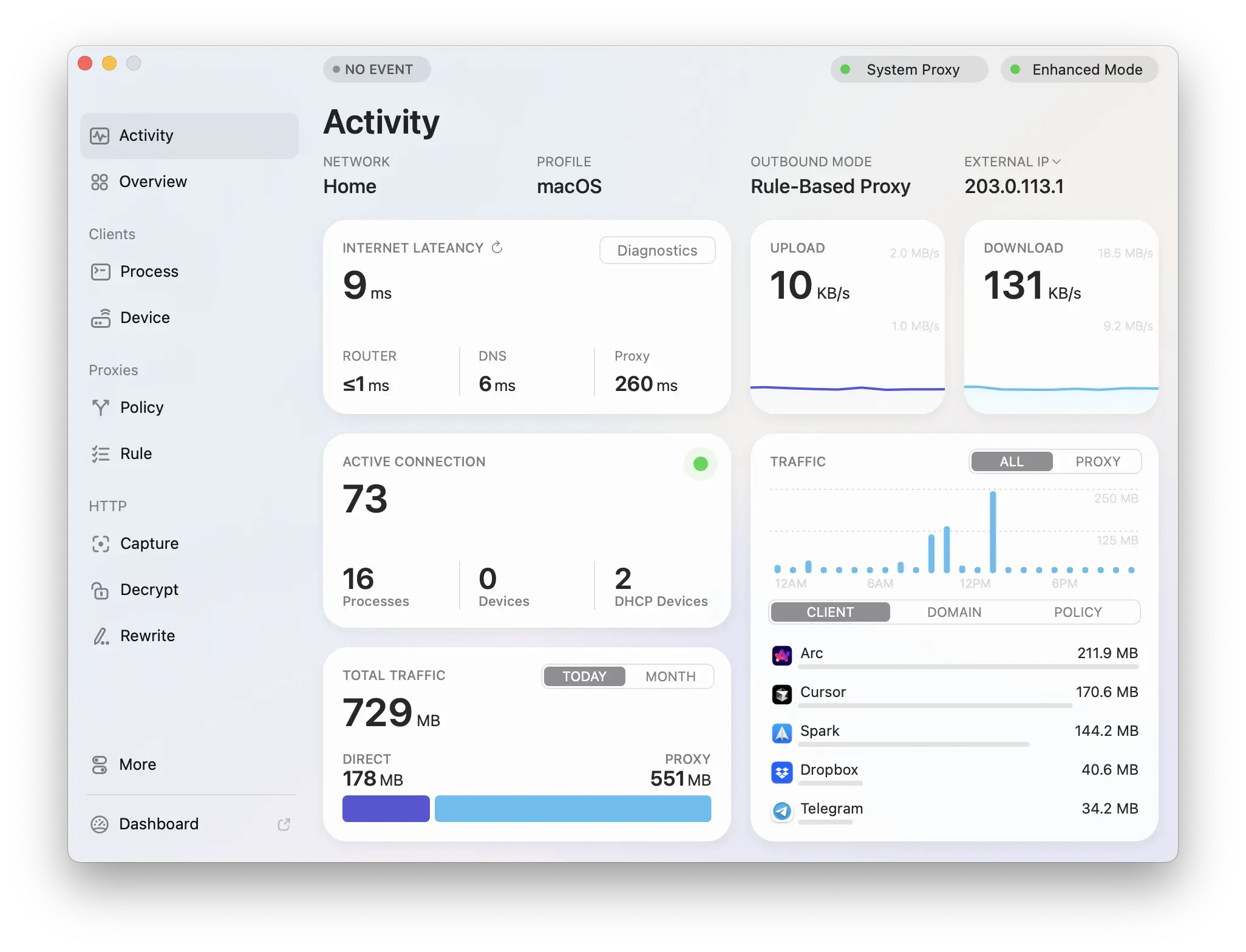
Surge is an advanced networking tool for Mac and iOS, designed for efficient users with powerful HTTP/SOCKS5 proxy server capabilities.
It can intercept and record network traffic summaries and transfer traffic to other proxy servers based on a flexible rule system, supporting multiple proxy protocols, including HTTP, HTTPS, and SOCKS5. Through its dashboard, users can monitor all network requests, adjust proxy rules, rewrite requests, and operate local DNS mappings.
operates with enterprise-grade stability and high performance, ensuring continuous operation with minimal system resource consumption. Users can set flexible proxy forwarding rules based on domain names, IPs, geolocations, and more. Surge also supports HTTPS traffic decryption and local DNS mapping, making it convenient for debugging and network management.
Its iOS version is equally powerful, allowing users to use all features independently and even override system DNS settings. Surge offers a 7-day full-featured free trial to meet users’ personalized network needs.
Notes:
Encountering problems (egUnable to open/crashes/switch versionsetc., installationSurge.apparrive/ApplicationsAfter opening terminal Paste the following code to solve
killall -9 Surge
/usr/bin/xattr -rc ‘/Applications/Surge.app’
codesign -f -s – –deep ‘/Applications/Surge.app/Contents/Applications/Surge Dashboard.app’
codesign -f -s – –deep ‘/Applications/Surge.app’
sudo killall -9 com.nssurge.surge-mac.ne
sudo killall -9 com.nssurge.surge-mac.helper
sudo launchctl unload /Library/LaunchDaemons/com.nssurge.surge-mac.helper.plist
sudo launchctl stop com.nssurge.surge-mac.helper
sudo launchctl remove com.nssurge.surge-mac.helper
sudo rm -rf /Library/PrivilegedHelperTools/com.nssurge.surge-mac.helper
sudo cp -f ‘/Applications/Surge.app/Contents/Library/LaunchServices/com.nssurge.surge-mac.helper’ /Library/PrivilegedHelperTools/com.nssurge.surge-mac.helper
sudo codesign -f -s – /Library/PrivilegedHelperTools/com.nssurge.surge-mac.helper
sudo chmod +x /Library/PrivilegedHelperTools/com.nssurge.surge-mac.helper
sudo launchctl enable system/com.nssurge.surge-mac.helper
sudo launchctl load /Library/LaunchDaemons/com.nssurge.surge-mac.helper.plist
sudo launchctl start com.nssurge.surge-mac.helper


