
Information
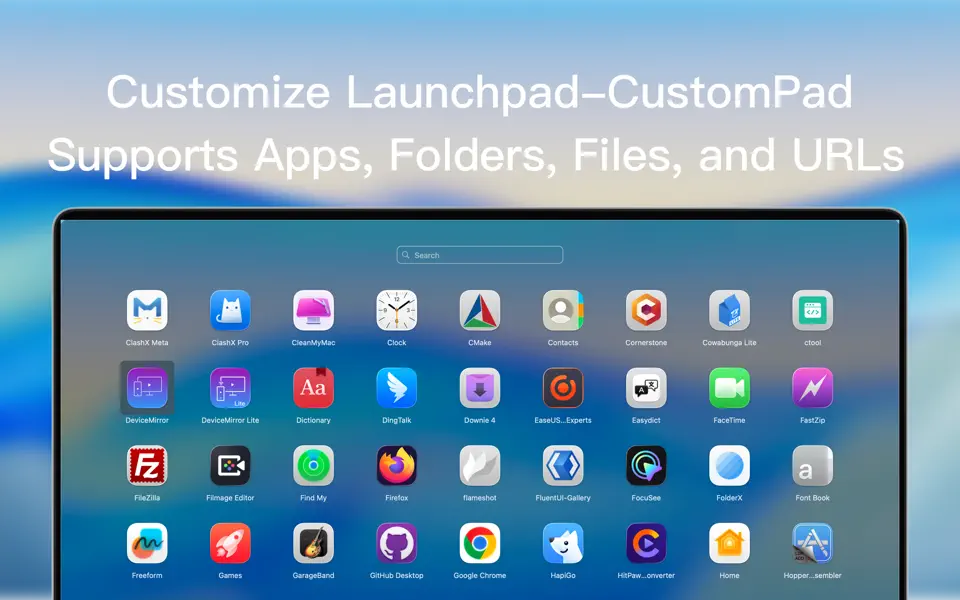
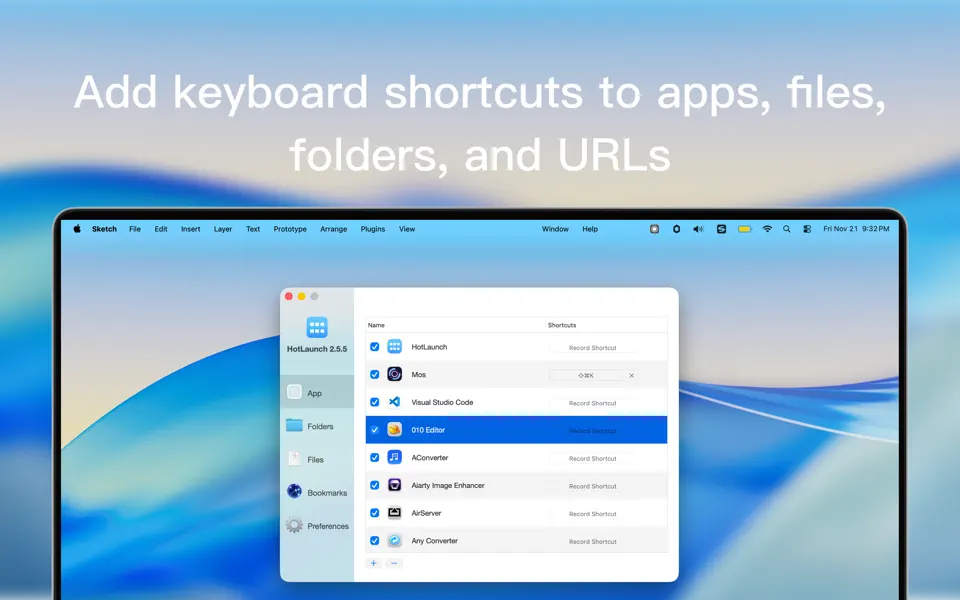
HotLaunch Efficiently switch and open apps, folders, files, URLs.
HotLaunch characteristic:
1 Support Option, Control, Command, Shift,fn combination shortcut keys to display switching window view.
2 When the switch window view is displayed, it is supported to hold down one of the shortcut keys and then click the other key to move the selection.
3 After supporting selection items, release the switch window view shortcut key to automatically open and switch selection items.
4 Quickly open and switch apps, directories, files, and URLs by clicking the switch window with the mouse.
5 Support the addition and deletion of apps, directories, files, URLs, and adjustment of display order.
6 Support the addition and deletion of shortcut keys
7 Support shortcut keys to open and switch apps, directories, files, and URLs.


