
Information
Evertag Audio Tags Editor and Metadata Manager.
• Supported Audio Formats
Works with 30+ formats including: mp3, ogg, flac, opus, m4a, wma, wav, aiff, ape, mod, xm, s3m, it, and many others.
• Tag Editing
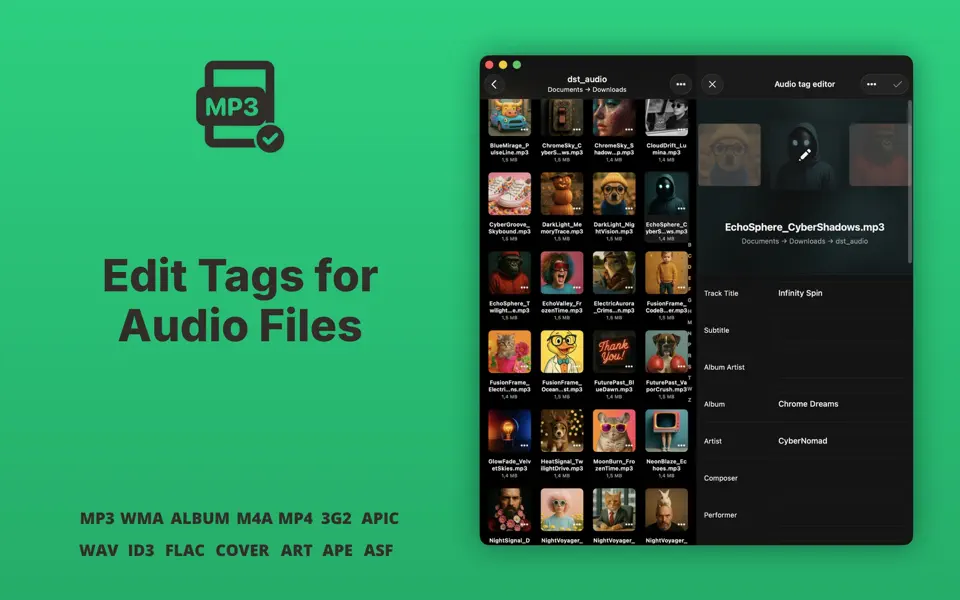
Edit over 120+ audio tags: Title, Artist, Album, Genre, Year, BPM, Track Number, Language, Mood, Publisher, Copyright, ISRC, Advisory Rating, and more.
• Batch Edit Mode
Edit tags for multiple files at once. Save time and keep everything organized.
• Album Covers
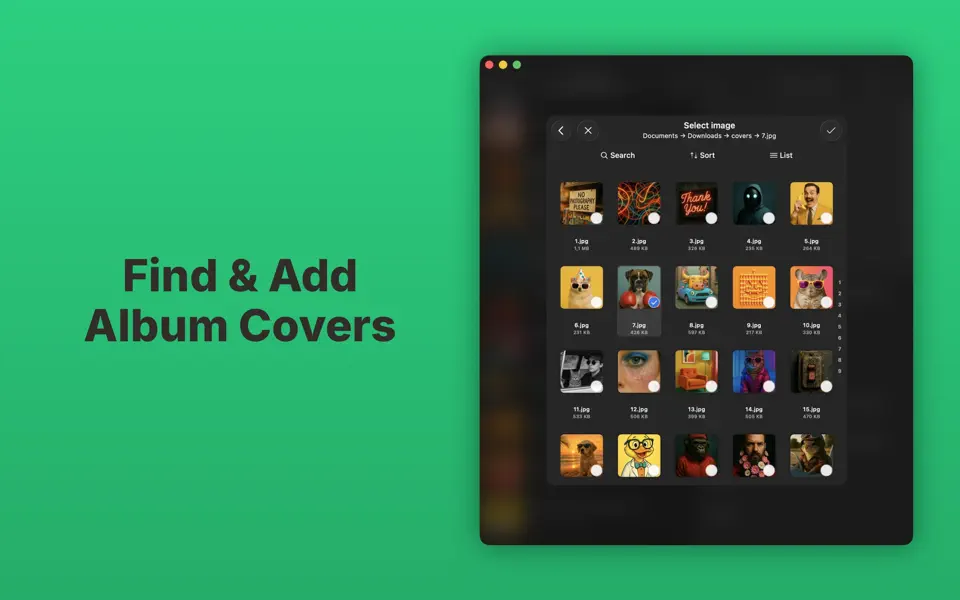
Find and update missing album covers. Make your library look as good as it sounds.
• Auto Tag Finder
Detect missing metadata and fill it in automatically, or update tags manually.
• Encoding Fix
Fix broken characters and encoding issues. Keep all text readable and clean.
• Cloud Integration
Open and edit files directly from iCloud Drive, Dropbox, Google Drive, OneDrive, and others.
• Built-in File Manager
Browse, rename, move, and delete your music files. Mark favorites and see recent files.
• External File Support
Edit files from other apps or shared folders without copying them. Change tags and covers instantly.
• Wi-Fi Transfer
Send music to your device using a browser on your computer. No cables needed.
• Light and Dark Themes
Customize the look with light or dark modes.
Evertag Privacy Policy: https://www.everappz.com/privacy-policy
Evertag Terms of Use: https://www.everappz.com/terms-and-conditions


