
Information
Version
2.6
Size
9 MB
Category
Utilities
Requirements
macOS 13.0 or later
Updated
January 19, 2026
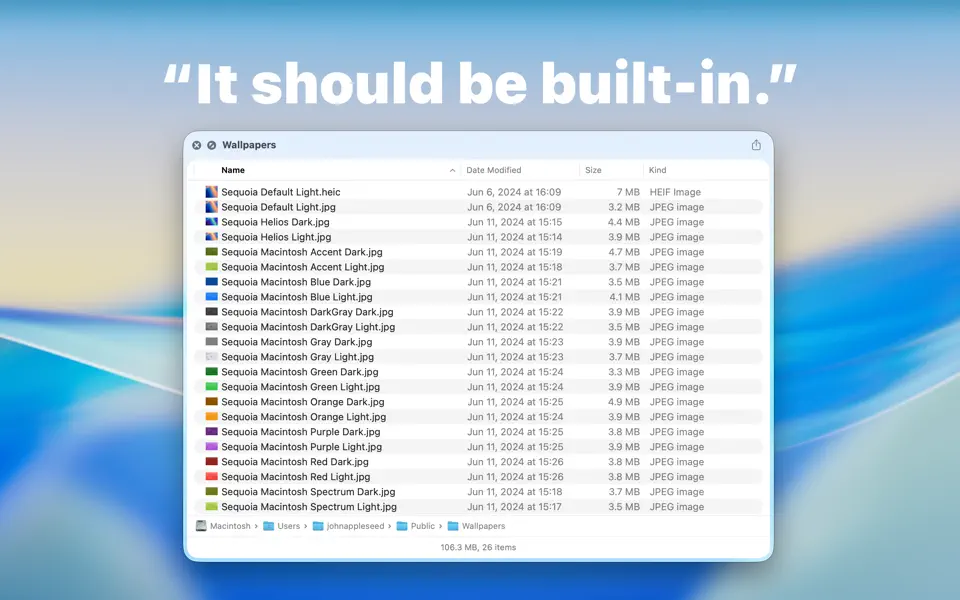
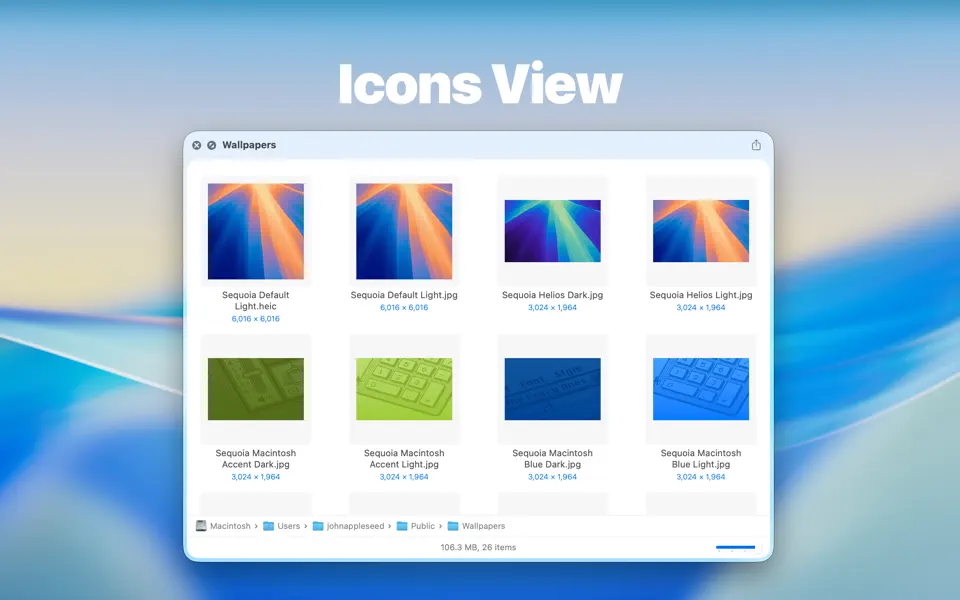
Folder Preview provides a Quick Look extension to preview contents in Finder.
Before started, you will have to enable Quick Look extension in System Settings.
Then you can press spacebar or ⌘ + Y to quick look folders in Finder.
You can also right-click the column header to show or hide columns.
## Supported file extensions of archives
– zip
– tar
– gz
– 7z
– rar


