
Information
Powerful notebook and
document organizer
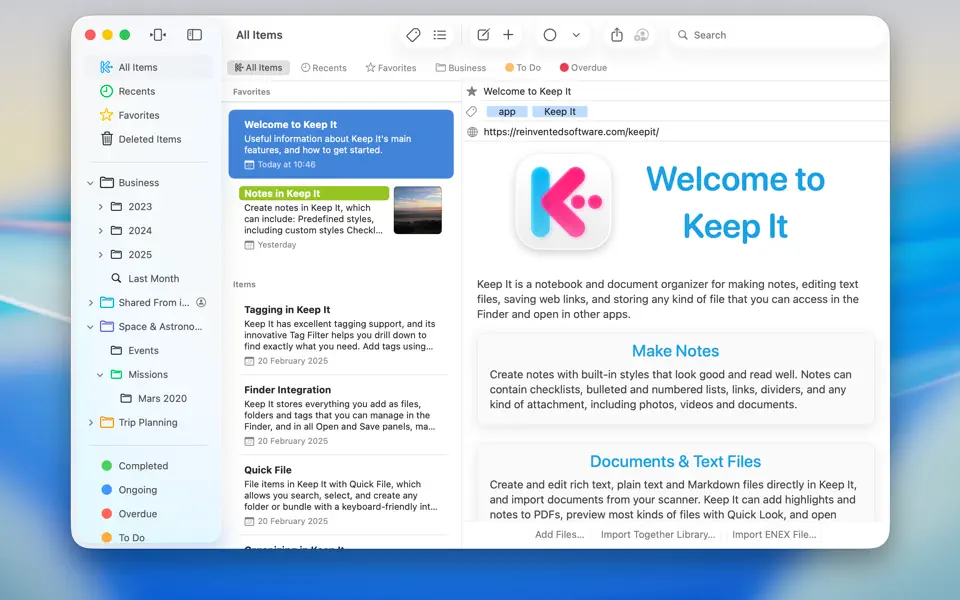
Keep It is a notebook and document organizer for Mac, and is also available as a separate app for iPhone and iPad. Keep It can create and edit notes, rich text, plain text and Markdown files, scan documents, edit PDFs, archive emails, save web links in a variety of formats, preview and search just about any kind of file, and organize these in a variety of ways. All the files, folders and tags you store in Keep It are available in the Finder, and can be shared with other Keep It users via iCloud.
New in Keep It 2
Keep It 2 adds Finder integration, Quick Open, Quick File, Reader mode and minimal web pages, the ability to reorder lists in the sidebar, a redesigned items list, favorites at the top, improved search, improved PDF viewing and Markdown previews, improved linking between items, the ability to convert, merge, and duplicate items, and plenty more besides. See What’s New In Keep It 2 for a full list.
Finder Integration
See Keep It as a location in the Finder, and standard Open and Save dialogs
Add, move, rename, remove and generally manage files in the Finder
When using iCloud, files no longer need to be stored on your Mac, but will still appear in the Finder
Items
See favorite items at the top of the list
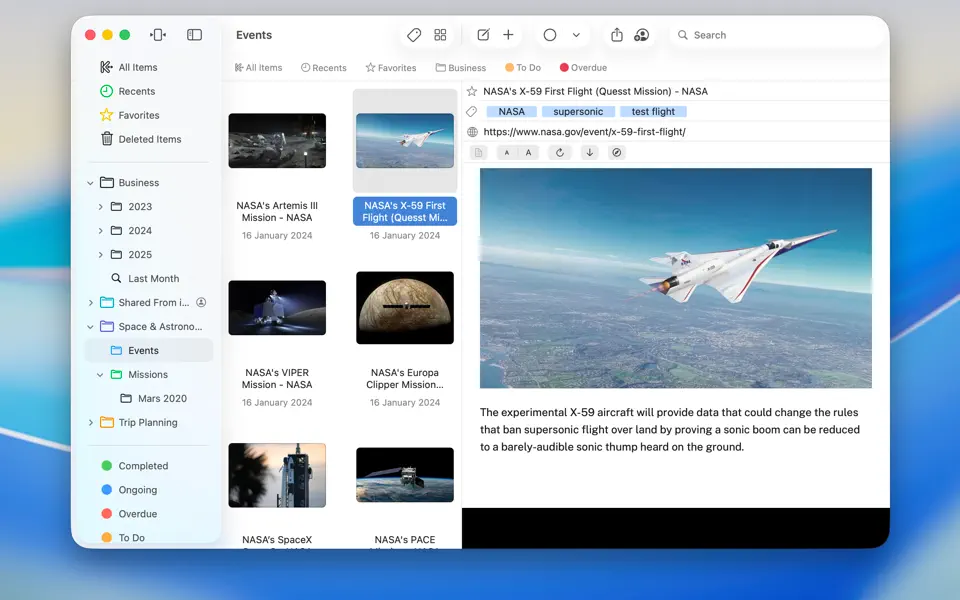
Redesigned list view shows larger thumbnails and longer names
Icon view shows document thumbnails by their width
Duplicate items in the list
See items that link to the current item (backlinks) in the Info view or Show In menu
Organize
Use Quick File to quickly add things to a folder or bundle
Manually reorder folders, nested bundles and saved searches in the sidebar
Set a color when creating folders or bundles
Duplicate folders, bundles and saved searches
Search for and create folders and bundles in the Share extension
Search
See instant search suggestions to go beyond searching with text
Use Quick Open to quickly search for and open any list or item by its name
Find images by their prominent features
Find items with checklists and highlighted text
Icons for suggestions and tokens in the search field
When searching by content, the first found occurrence will be scrolled into view
Notes & Text Editing
Add and remove table rows in notes and rich text files
Constrain size of attached images in notes
Merge items into a single note
Adjustable display margins
Edit underline, strikethrough, and paragraph settings for saved note styles
Automatically constrain width when editing windows made full screen
Insert a link to another Keep It item or list
Improved color pickers
Word count now floats over the text
Convert rich text, plain text, web pages, mail messages, and Markdown files to notes
Indent checklists items
Improved highlighting for notes and rich text documents
Web Links & PDFs
Reader mode for web links, save for offline as HTML or PDF
Convert minimal web pages to editable notes
See the URL when the pointer moves over links
See thumbnails and an outline (if available) for PDF documents
Reorder and remove PDF pages in the thumbnails view
Select, highlight, and copy text in scanned PDFs on macOS 13 Ventura and later
Safari extension can add a web link to Keep It with a single click.
Choose custom highlight colors for PDFs
Import dates from Bookmarks HTML files


