
Information
Version
1.11.5
Size
6 MB
Category
Productivity
Requirements
macOS 13.0 or later
Updated
January 7, 2026
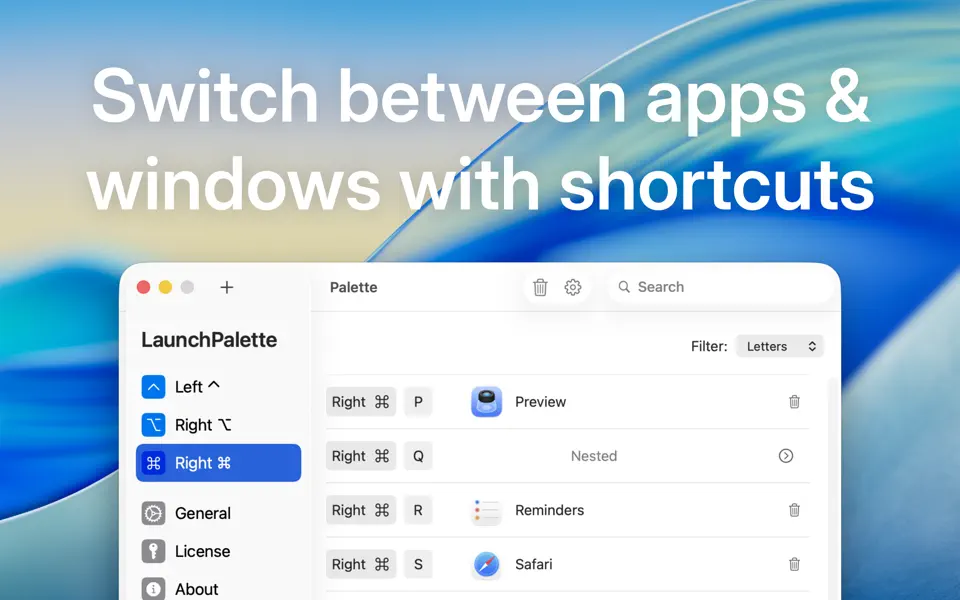
LaunchPalette Switch between apps or projects right away with keyboard shortcuts!
With, you can for example:
• Assign Right ⌘ S for Safari and Right ⌘ C for Calendar. (You can still use Left ⌘ as usual.)
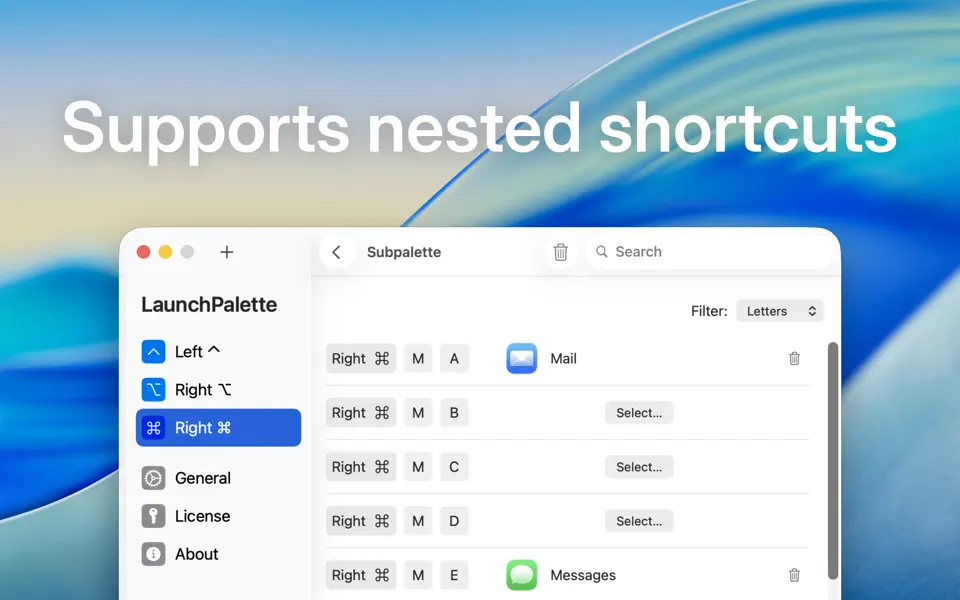
• Assign Right ⌘ M+A for Mail and Right ⌘ M+E for Messages.
• Focus on a specific project. (E.g. Right ⌘ X+L > Xcode LaunchPalette project and Right ⌘ X+T > Xcode TabBack project.)
• Hide the frontmost app (or cycle through its windows in the order they were used*) by pressing the app’s shortcut again.
• Change the modifiers (⌃,⌥, and ⌘) or create additional palettes with other modifiers.
• Run AppleScripts and shell scripts.


